

Microsoft Excel
For Android
Screenshot
AppsIntroduction
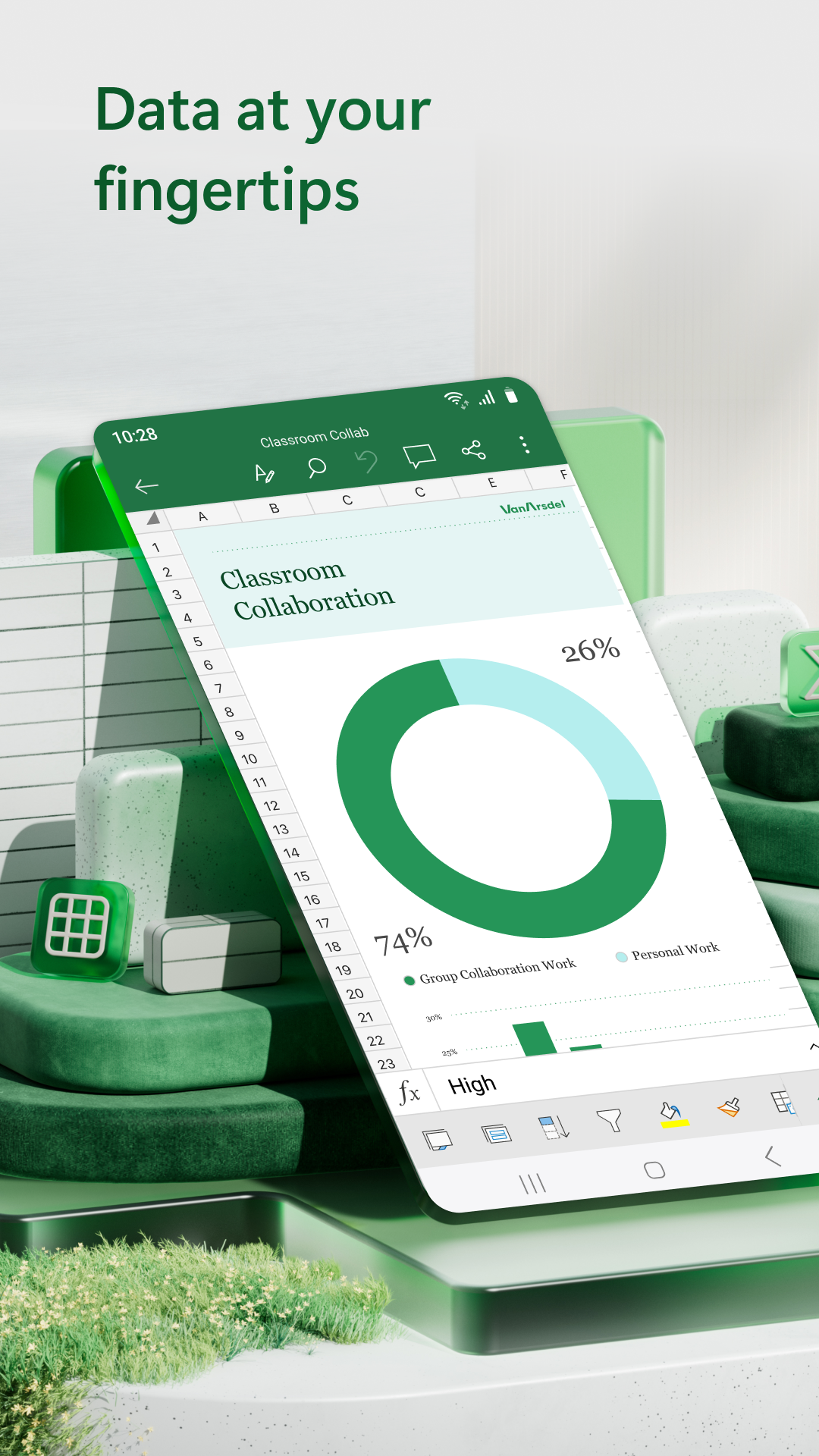
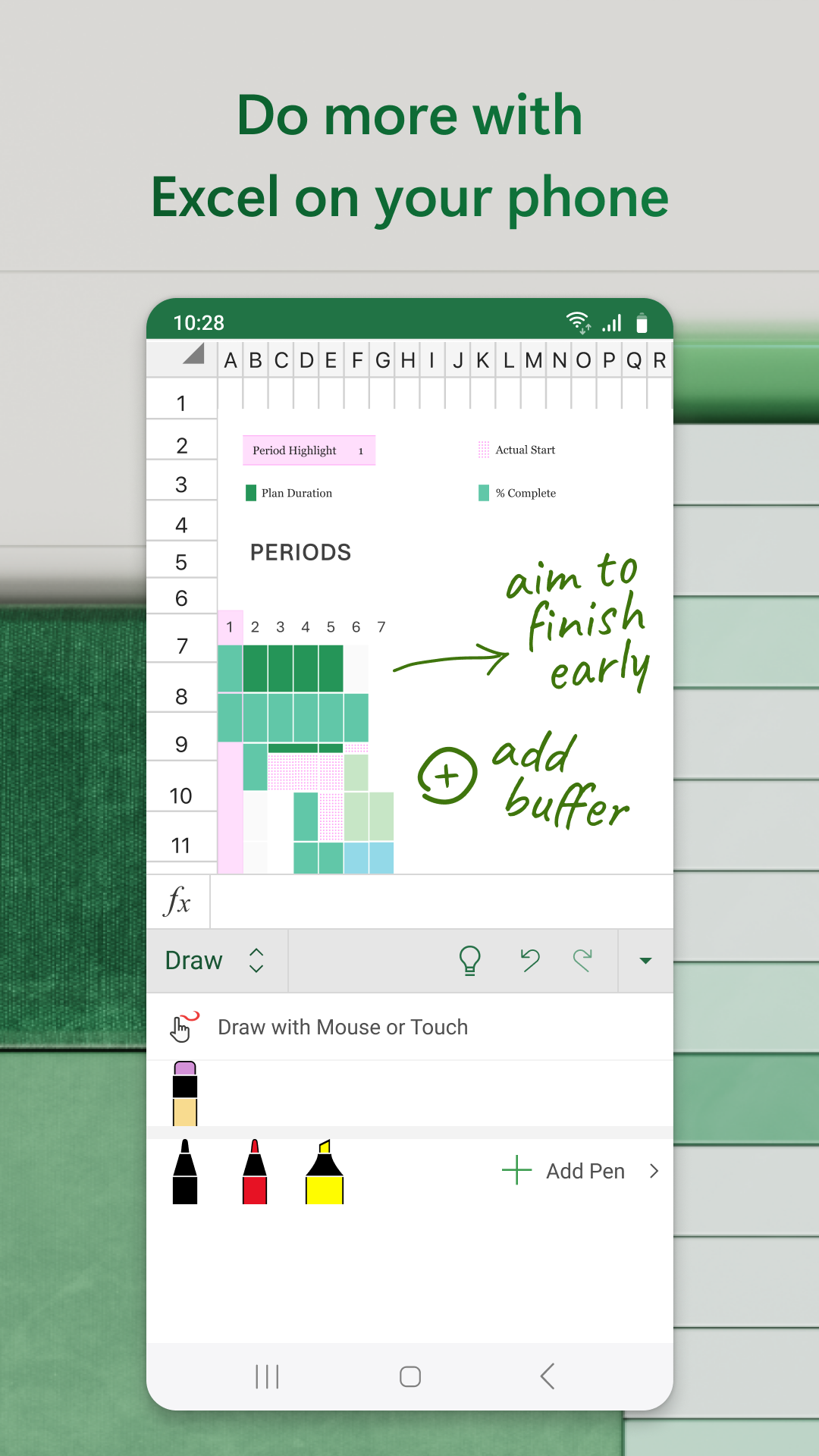
Microsoft Excel is a versatile Android application designed to bring the powerful spreadsheet capabilities of Excel to your mobile device. Ideal for anyone looking to manage finances, create charts, and analyze data on-the-go, Microsoft Excel's mobile app offers a robust suite of tools that empower users to handle tasks efficiently. With functionalities like budget creation, editing documents, and expense tracking at your fingertips, users can seamlessly transition from desktop to mobile. Thanks to the app's intuitive interface, Excel promises both convenience and precision in handling financial data directly from your Android device.
Practical Functions and Tools
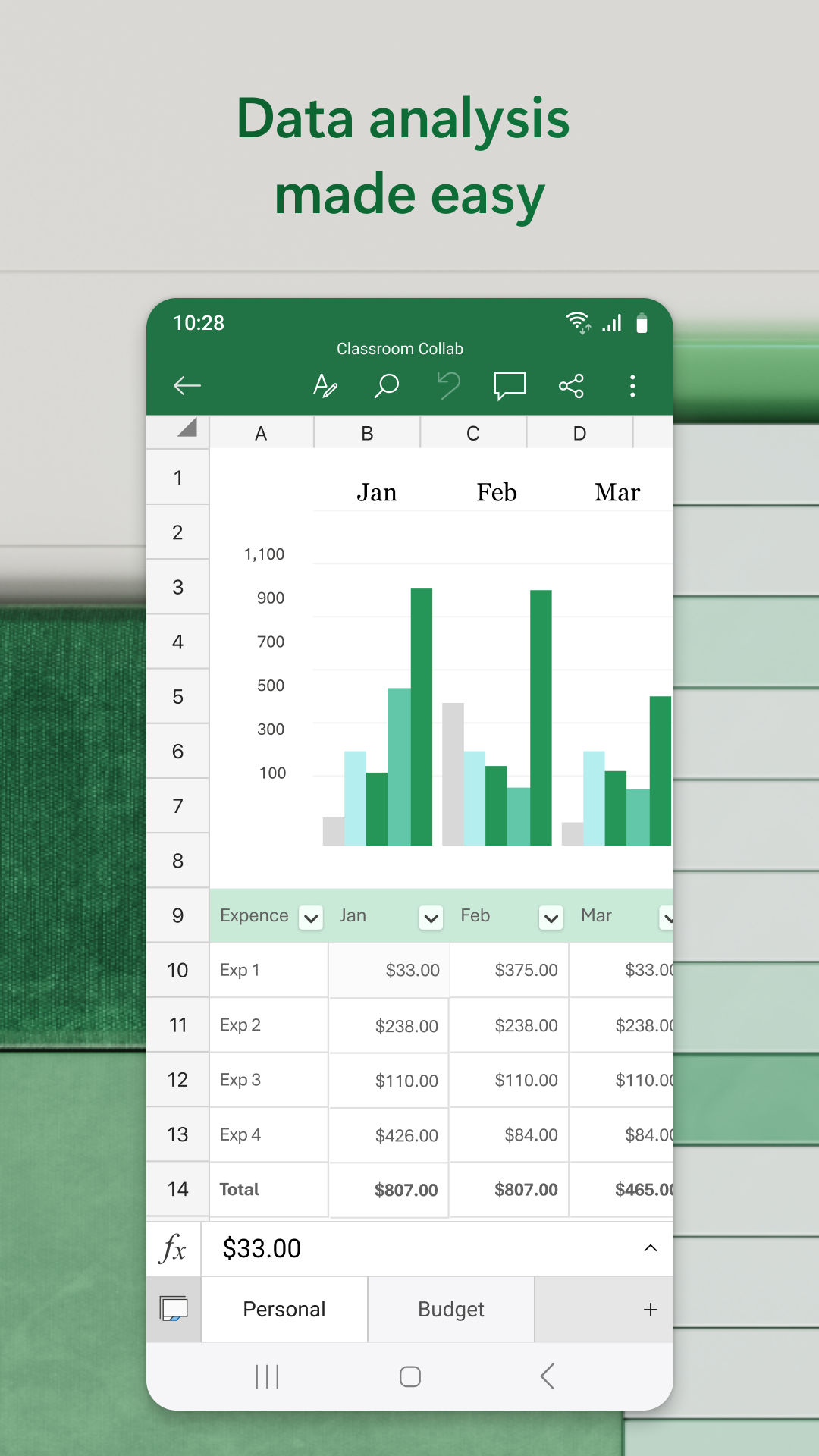
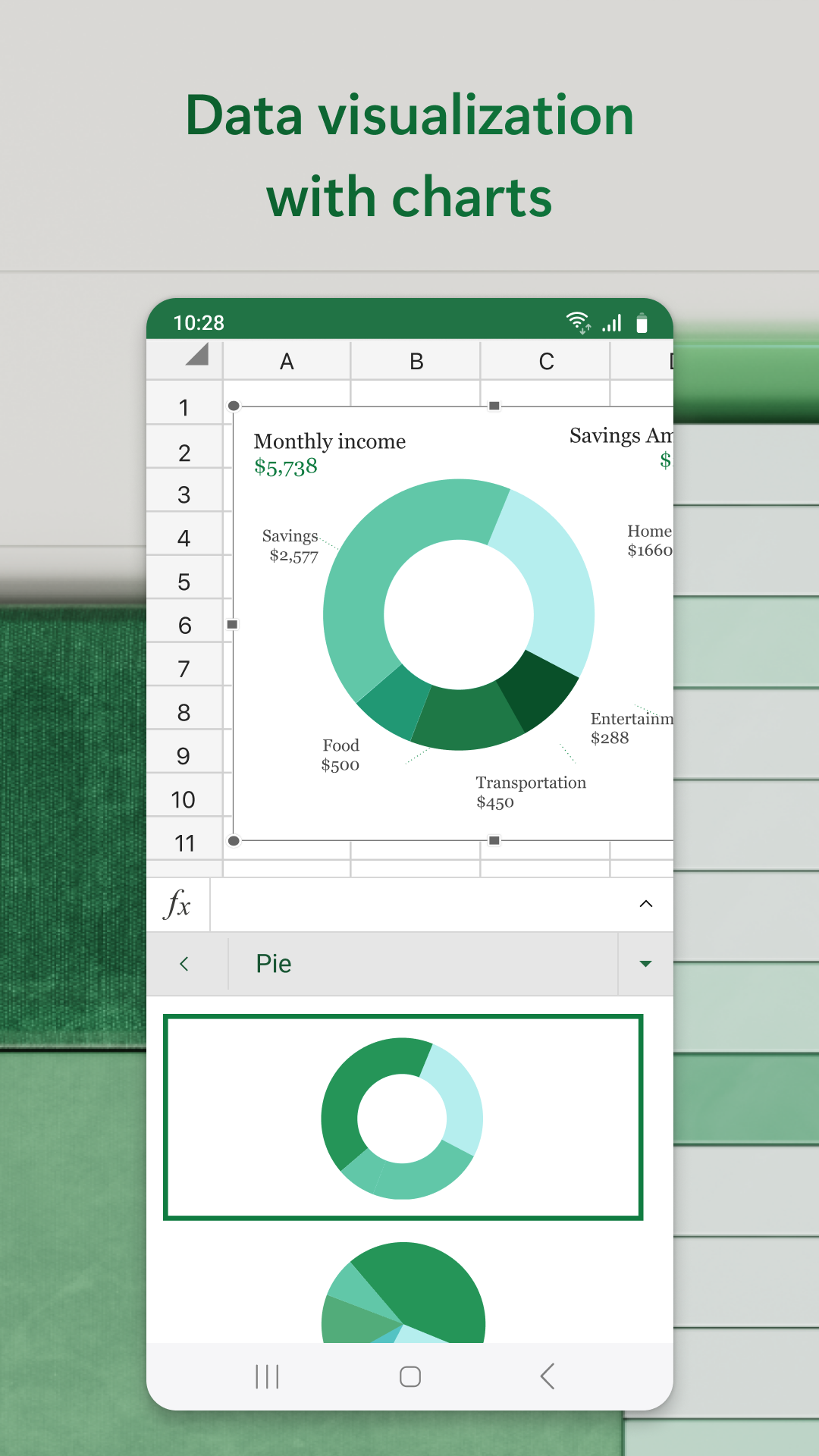
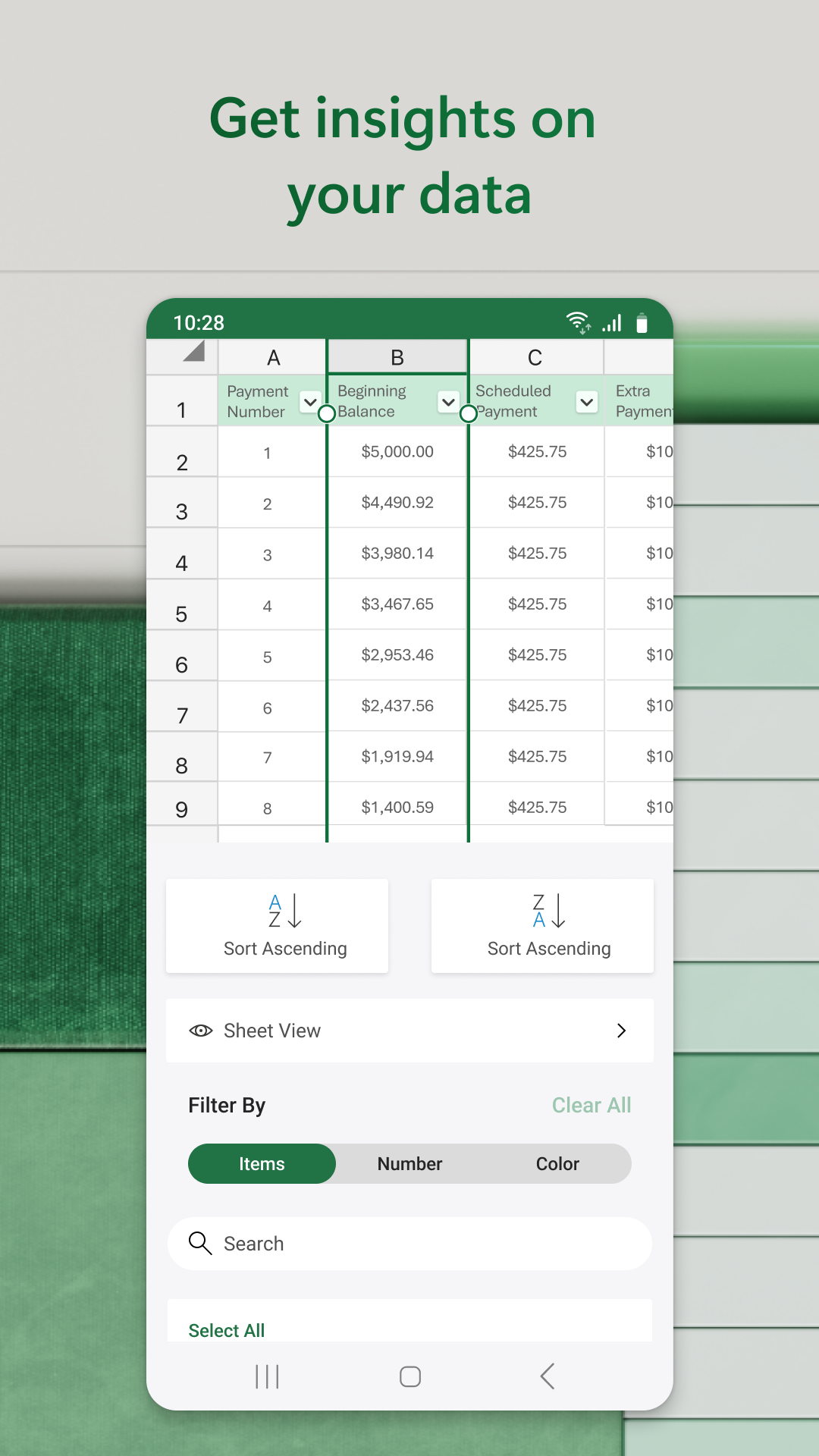
Microsoft Excel for Android mirrors its desktop counterpart by providing comprehensive functionalities suitable for a variety of financial tasks. Users can effortlessly create budgets, annotate, and edit documents. The app accommodates diverse data analysis needs with tools like pivot tables and chart makers, allowing users to visualize and interpret data meaningfully. With Excel’s robust accounting calculator, users can confidently manage their finances, whether personal or professional.
Intuitive User Interface
Excel for Android is designed with a user-friendly interface that optimizes mobile usability. Although entering text requires adjustment due to the smaller screen size, intuitive gestures such as double-tapping a cell to enter or edit text enhance the mobile experience. The app supports external keyboards, allowing users to employ familiar shortcuts, and provides multi-line text capabilities within cells, making complex data entry much simpler.
Seamless Data Manipulation
One of the time-saving features of Microsoft Excel for Android is AutoSum, which allows users to quickly add rows or columns of numbers. To sum data, users simply select their desired cell range and utilize the AutoSum function to display totals effortlessly. For handling larger datasets, Excel offers touch gestures and range selection shortcuts, streamlining the data manipulation process for mobile users.
Compatibility and Accessibility
Microsoft Excel for Android ensures users can carry their essential spreadsheet capabilities wherever they go. The app is compatible with a wide range of devices, offering flexibility and accessibility for busy professionals. Further enhancing its utility, Excel supports several touch gestures, making navigation and functionality integration smooth and intuitive.
Explore Microsoft Excel on Android
Microsoft Excel on Android serves as a comprehensive tool for users who seek to maintain productivity beyond the desktop. Whether managing finances, creating engaging charts, or analyzing complex data sets, Excel offers dependable features and an adaptable interface. Its compatibility and potent functionality make it an essential app for anyone needing reliable spreadsheet management on-the-go. For those interested in exploring Excel’s capabilities further, accessing its download information provides an ideal starting point for transforming the mobile productivity experience.
Apps Information
Size
134.92M
Language
English
Developer
Microsoft Corporation
Version
v16.0.20228.20090
Updated
11 16, 2026
Package
com.microsoft.office.excel
Category
System Tools
Related Topics
More- Wallpaper Free APPS
- Communication apps free
- Best Tools Apps
- Video Players Apps

11 16, 2026Update
Discover the best free wallpaper apps for iPhone and personalize your screen with stunning backgrounds. Download amazing wallpaper applications featuring HD images, live wallpapers, nature scenes, abstract designs, and creative artwork. Explore fresh collections, customize your home screen, and give your iPhone a unique look with beautiful wallpapers.
- View
 Material Capsule
System Tools / 23.88MB
- View
 Cool Note20 Launcher
Theme Wallpapers / 33.65MB
- View
 Tapet
Theme Wallpapers / 46.96MB
- View
 The Shilla Hotels & Resorts
Travel & Trips / 15.37MB
- ViewMicrosoft Excel
System Tools / 134.92MB
- View
 ReelShort
Entertainment Apps / 121.47MB
11 16, 2026Update
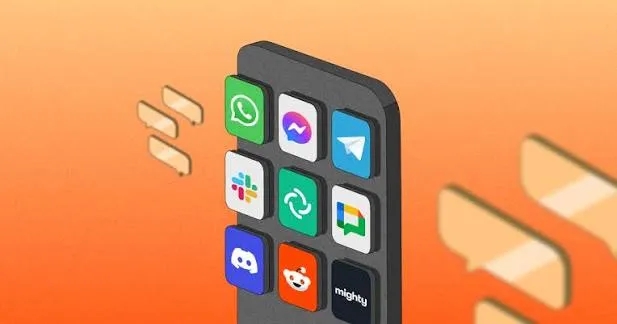
Discover the best free communication apps for Android and stay connected with friends, family, and colleagues. Download messaging and calling applications featuring instant chats, voice calls, video calls, and file sharing. Explore convenient features, enjoy smooth conversations, and connect with people worldwide anytime, anywhere using your Android device.
- View
 Fancy Text Symbols
System Tools / 29.39MB
- View
 Ultra Flash
System Tools / 16.98MB
- View
 MOOD LIVE
Social Chat / 147.17MB
- View
 Picture Quotes
Photo Enhancement / 11.65MB
- View
 Fonts for Instagram
Theme Wallpapers / 49.69MB
- View
 Facebook Lite
Social Chat / 3.48MB
11 16, 2026Update
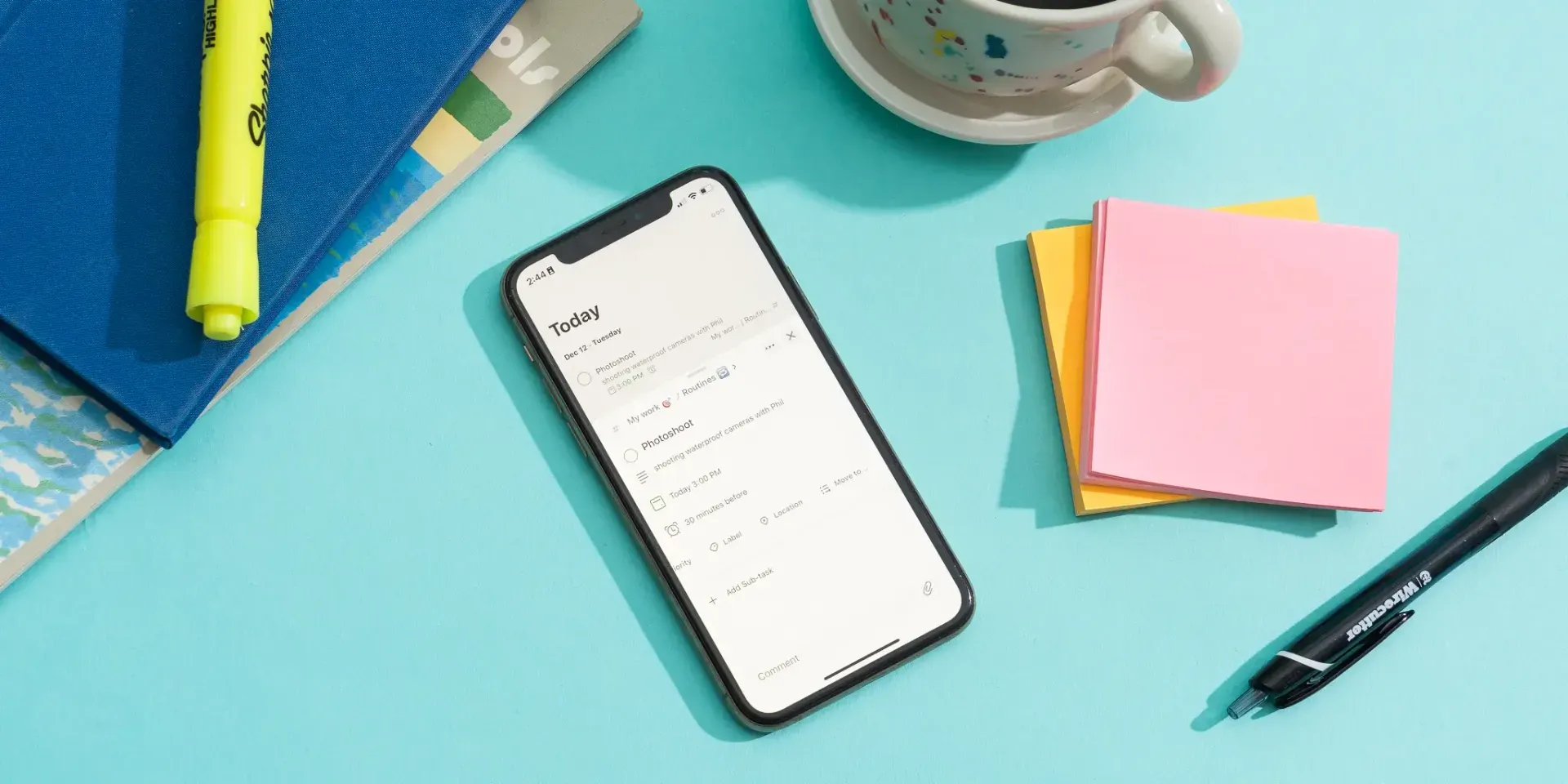
Discover the best tool apps for Android in 2026 and make everyday tasks easier. Download useful applications featuring file management, device optimization, security tools, system utilities, and productivity features. Explore practical solutions, improve your mobile experience, manage your device efficiently, and find essential tools for your Android smartphone.
11 16, 2026Update
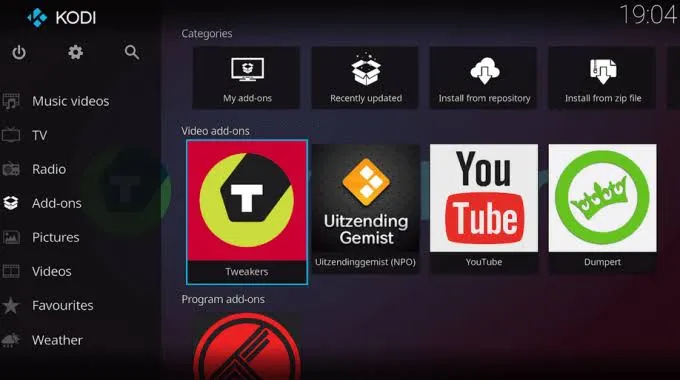
Discover the best free video player apps in 2026 and enjoy a seamless entertainment experience on your Android device. Download video players supporting multiple formats, high-quality playback, subtitles, and smooth streaming. Explore useful features, manage your media library, and watch your favorite movies and videos anytime, anywhere.
- View
 TABNET
Travel & Trips / 179.43MB
- ViewMicrosoft Excel
System Tools / 134.92MB
- ViewReelShort
Entertainment Apps / 121.47MB
- View
 LA Lakers Official App
Entertainment Apps / 166.38MB
- View
 18Birdies Golf GPS Rangefinder
Entertainment Apps / 104.45MB
- View
 Brookshire’s
Fashion Shopping / 117.78MB
Related News
More

You Might Also Like
Change



Similar Apps
More- View
 GPS Tools
67.39M
- View
 Image Resizer
26.38M
- ViewFancy Text Symbols
29.39M
- ViewUltra Flash
16.98M
- ViewMaterial Capsule
23.88M
- View
 CamScanner
237.25M
- View
 PLAYit
49.69M
- View
 Network Manager
39.18M
- View
 InternetGuard
7.71M
- View
 CapCut
310.92M
- View
 Notein
325.69M
- View
 Root Checker
12.47M
- View
 Electrical Cost
3.7M
- View
 Metal Detector
7.69M
- View
 YourHour
7.43M
Featured Topics
More

Popular Apps
More- View
 Paris 2024 Olympics
34.57M
- View
 MR PORTER
60.45M
- ViewGPS Tools
67.39M
- ViewImage Resizer
26.38M
- View
 Colorfy
99.10M
- ViewFancy Text Symbols
29.39M
- View
 Ume Icon Changer
6.99M
- ViewUltra Flash
16.98M
- ViewMaterial Capsule
23.88M
- ViewMOOD LIVE
147.17M
- View
 MX Player
102.35M
- View
 WeTV
70.80M
- View
 Nova Launcher
35.62M
- View
 Radio FM
115.30M
- View
 SimSimi
205.11M
Question
- Download failed
- Outdated Resources
- Resource Error
- Viral Applications
- 淫秽色情
- 赌博
- 反政暴动
- 诈骗
- 侵权
- 其他
说明
Tel
举报或纠错