
Google Drive
For Android
Screenshot
AppsIntroduction
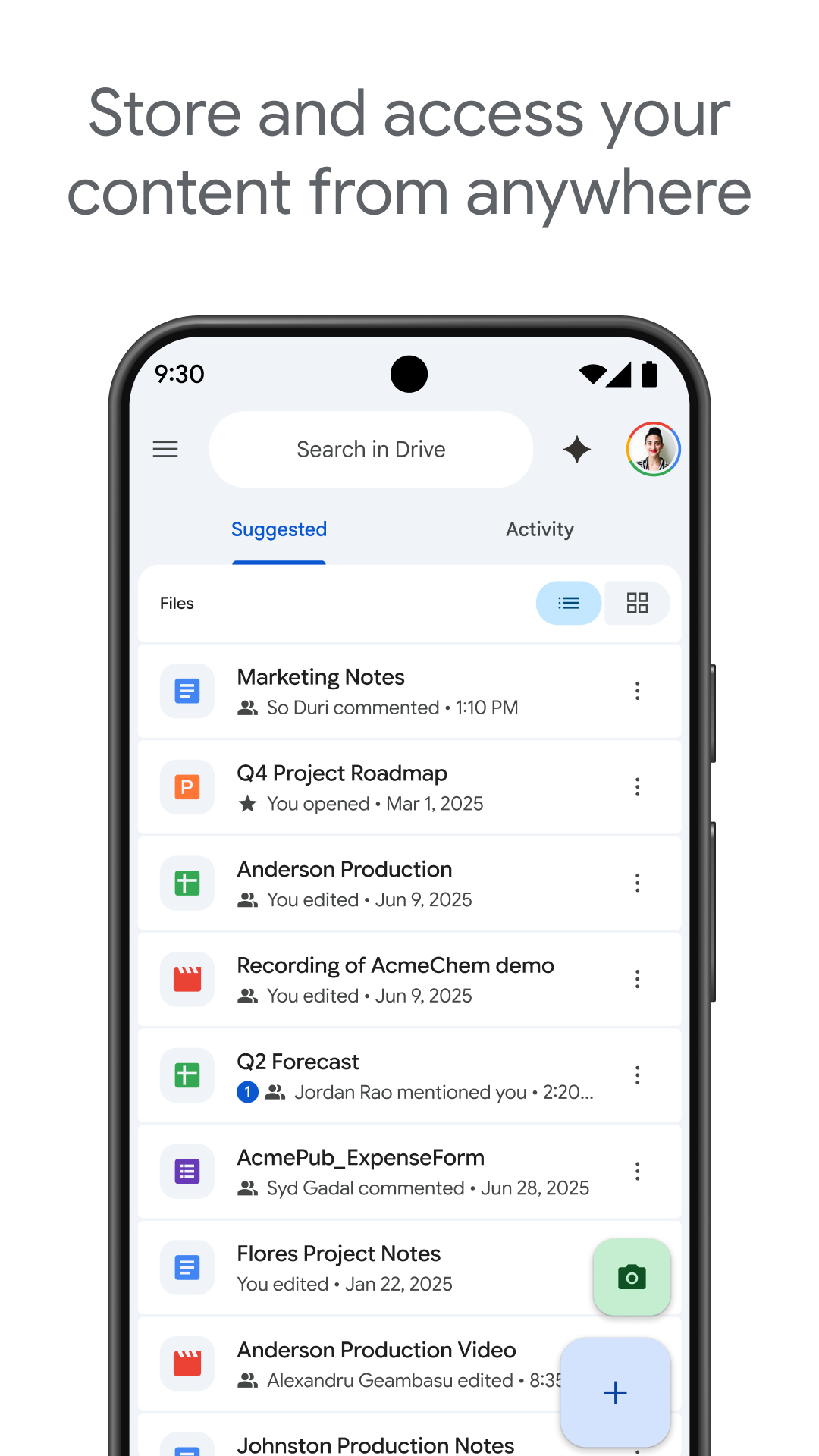
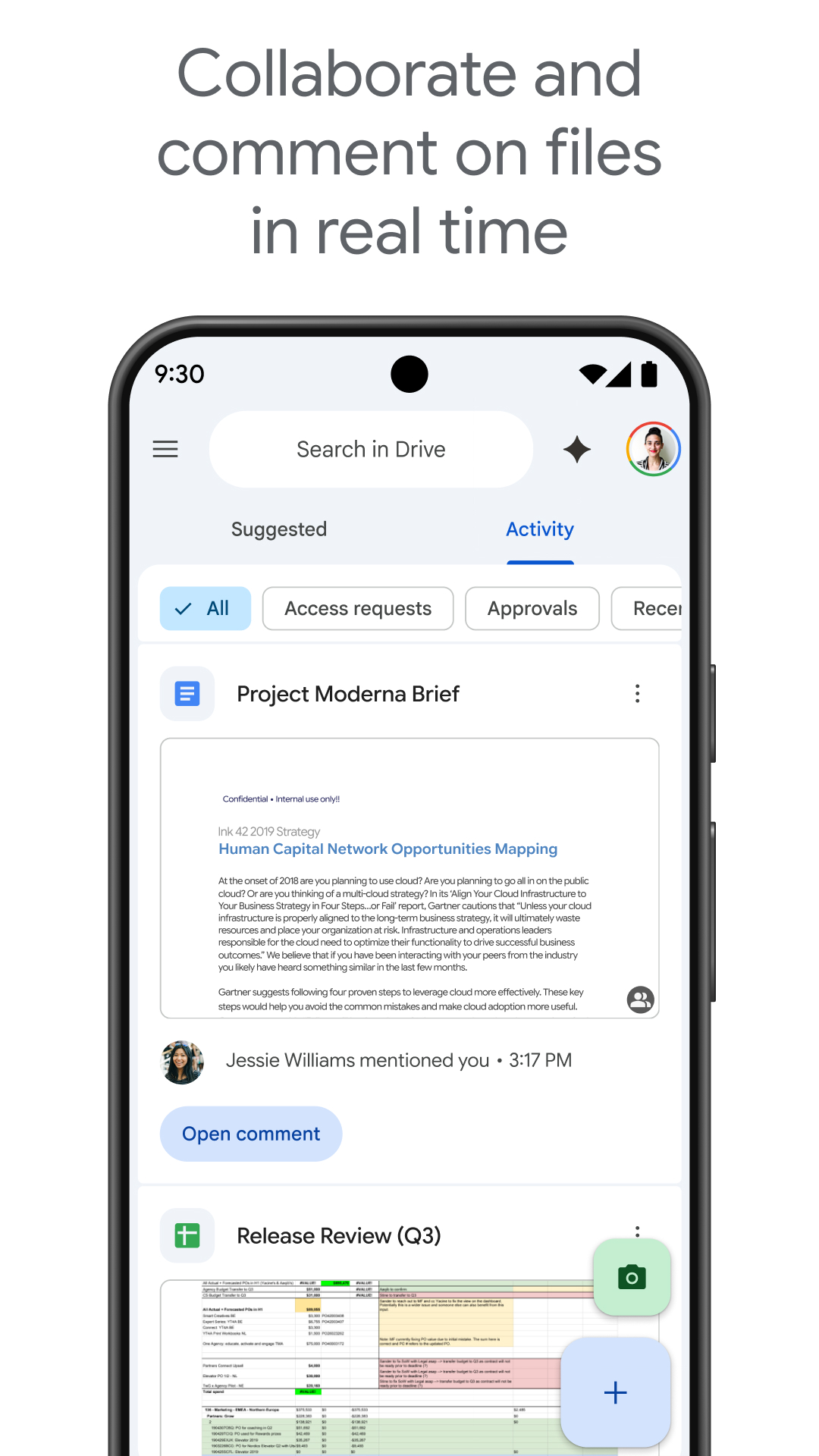
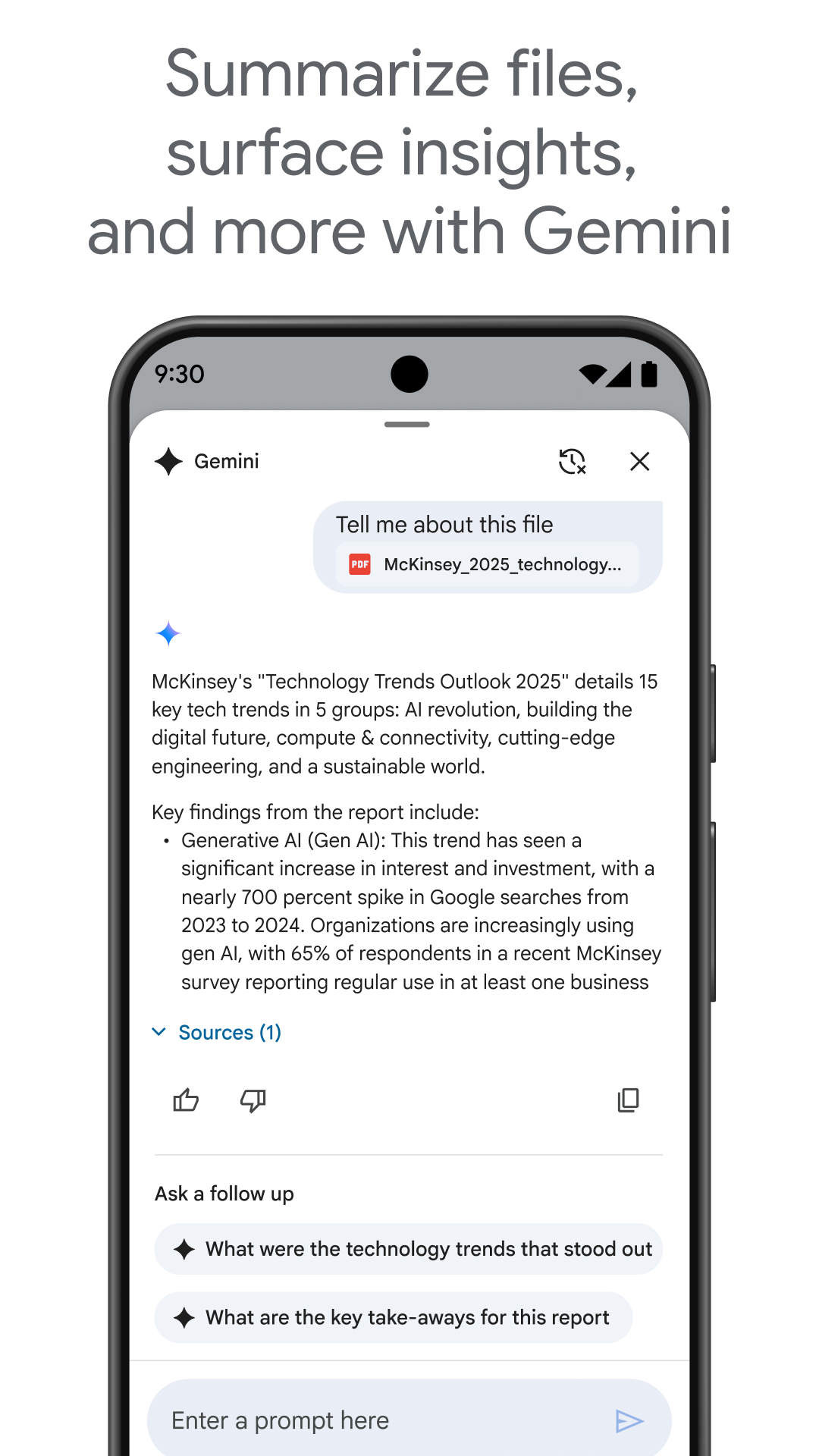
Google Drive is a versatile Android application designed to allow users to securely store, organize, and collaborate on files from anywhere. Acting as a digital counterpart to traditional file cabinets, Google Drive ensures that your documents are always within reach without the fear of losing or forgetting them. With its intuitive design and reliable storage solutions, users can manage a plethora of file types effortlessly. Whether you're uploading from a smartphone or downloading essential documents, Google Drive provides a seamless experience for both personal and professional needs.
Comprehensive File Management
Google Drive offers an array of functions that make managing files simple and efficient. Users can upload files directly from their smartphones by accessing the app and hitting the “+ New” icon, followed by selecting “Upload.” Once uploaded, these files are accessible across devices, ensuring flexibility and convenience. If you need to download files, a simple tap on the three-dot menu next to the desired file and choosing “Download” suffices. This intuitive approach to handling uploads and downloads enhances productivity and ensures secure file management.
Wide Range of Compatibility
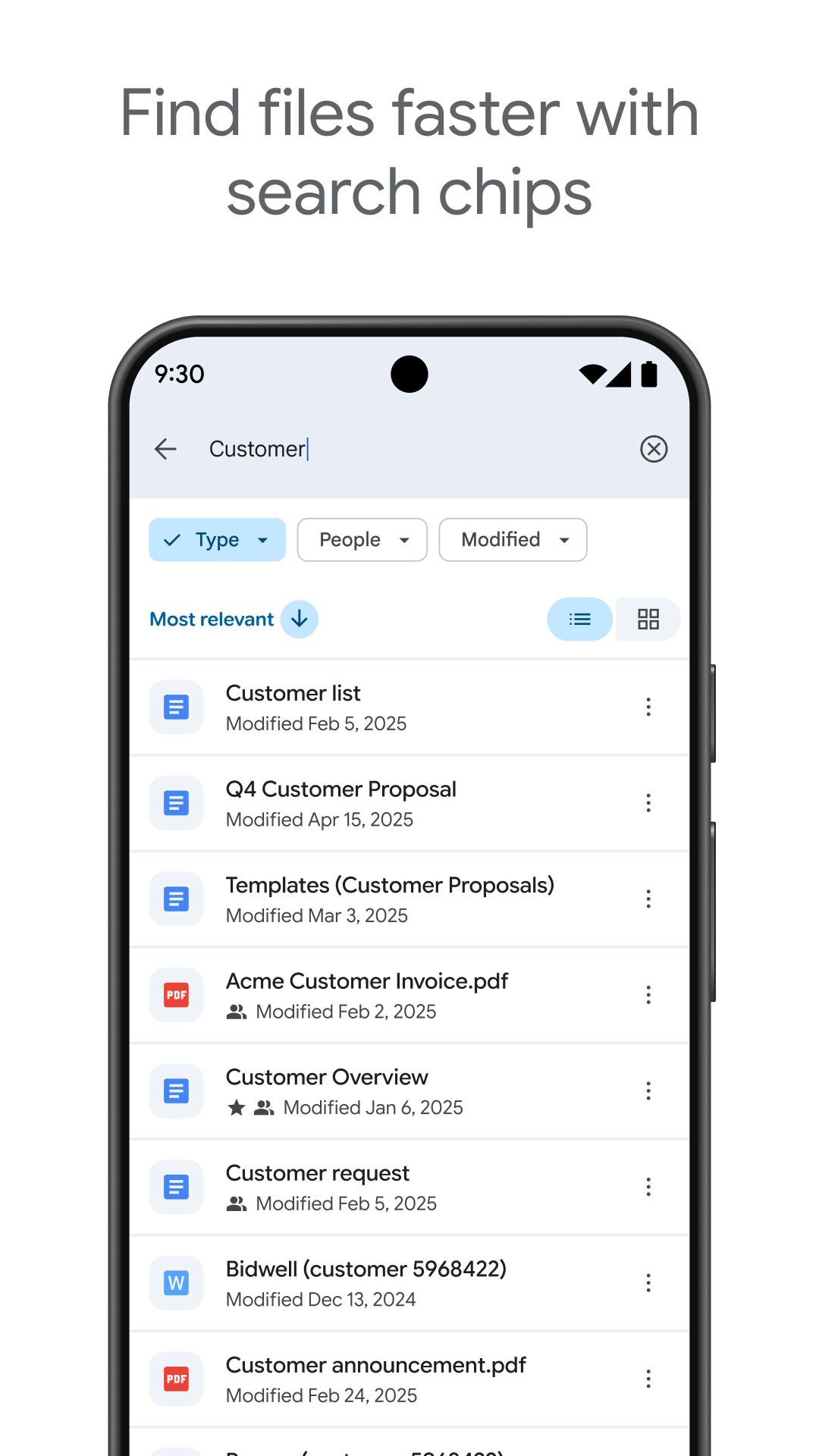
One of the standout features of Google Drive is its compatibility with over 100 different file types, including PDFs and videos. This wide-ranging support means that users can store virtually any file within the application, eliminating compatibility issues that may arise with other platforms. Moreover, Google Drive's search functionality allows users to find files with ease using name and content searches, streamlining the retrieval process.
Advanced Features for Enhanced Efficiency
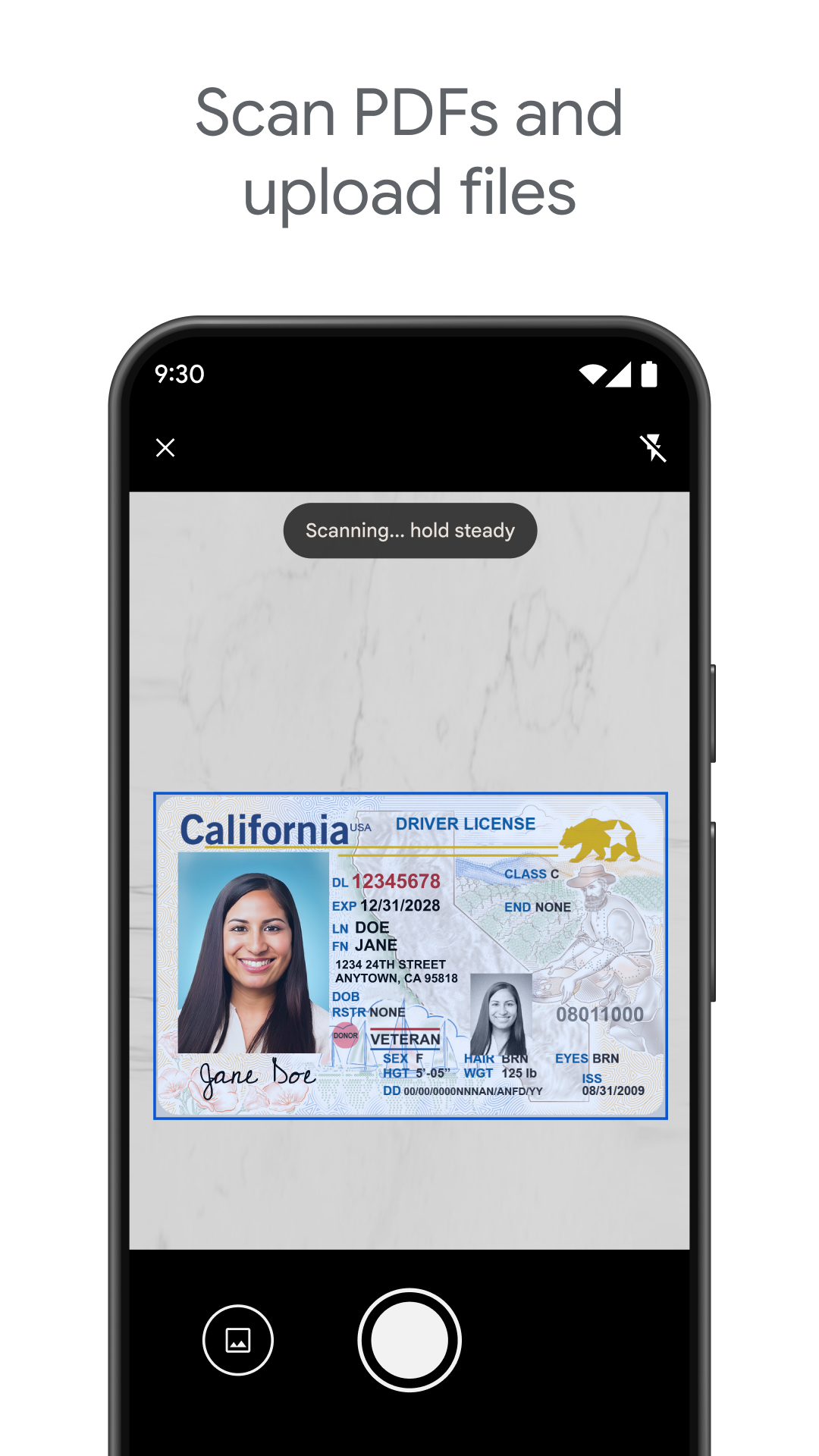
Google Drive extends its functionality beyond basic file storage with features like scanning physical documents using a smartphone camera, enabling users to digitize paperwork conveniently. It also allows offline content viewing, ensuring that essential files remain accessible even without an internet connection. Notifications keep users informed about important file activities, while file and folder sharing functionalities, with customizable permissions, facilitate seamless collaboration.
Flexible Storage Options
The app offers a built-in storage capacity of 15GB across Google Drive, Gmail, and Google Photos. For users requiring additional space, upgrading to Google One provides expanded storage options starting at 100GB for a nominal monthly fee. Organizational users can benefit even further by subscribing to Google Workspace, which includes advanced security and administrative controls, further optimizing data management and collaboration.
Cloud Storage That Simplifies Life
Google Drive is a powerful tool for anyone looking to declutter and optimize their file management process. Its versatile and secure storage features, combined with easy sharing and collaboration capabilities, make it an indispensable tool for managing digital documents efficiently. With Google Drive, Android users can ensure their files are accessible, organized, and safe, making it a must-have application for both personal and professional use. Explore Google Drive's download options to take full advantage of its offerings and experience seamless cloud storage today.
```Apps Information
Size
125.8M
Language
English
Developer
Google LLC
Version
v2.26.447.0.all.alldpi
Updated
11 16, 2026
Package
com.google.android.apps.docs
Category
System Tools
Related Topics
More- Wallpaper Free APPS
- Business Apps
- Video Players Apps

11 16, 2026Update
Discover the best free wallpaper apps for iPhone and personalize your screen with stunning backgrounds. Download amazing wallpaper applications featuring HD images, live wallpapers, nature scenes, abstract designs, and creative artwork. Explore fresh collections, customize your home screen, and give your iPhone a unique look with beautiful wallpapers.
- View
 Material Capsule
System Tools / 23.88MB
- View
 Cool Note20 Launcher
Theme Wallpapers / 33.65MB
- View
 Tapet
Theme Wallpapers / 46.96MB
- View
 The Shilla Hotels & Resorts
Travel & Trips / 15.37MB
- View
 Microsoft Excel
System Tools / 134.92MB
- View
 ReelShort
Entertainment Apps / 121.47MB
11 16, 2026Update
Discover the best free business apps for iPhone in 2026 and improve your productivity wherever you work. Download useful applications for project management, communication, accounting, scheduling, and team collaboration. Explore powerful features, organize daily tasks, manage business activities, and find smart tools to support your professional goals.




11 16, 2026Update
Discover the best free video player apps in 2026 and enjoy a seamless entertainment experience on your Android device. Download video players supporting multiple formats, high-quality playback, subtitles, and smooth streaming. Explore useful features, manage your media library, and watch your favorite movies and videos anytime, anywhere.
- View
 TABNET
Travel & Trips / 179.43MB
- ViewMicrosoft Excel
System Tools / 134.92MB
- ViewReelShort
Entertainment Apps / 121.47MB
- View
 LA Lakers Official App
Entertainment Apps / 166.38MB
- View
 18Birdies Golf GPS Rangefinder
Entertainment Apps / 104.45MB
- View
 Brookshire’s
Fashion Shopping / 117.78MB
Related News
More


You Might Also Like
Change



Similar Apps
More- View
 GPS Tools
67.39M
- View
 Image Resizer
26.38M
- View
 Fancy Text Symbols
29.39M
- View
 Ultra Flash
16.98M
- ViewMaterial Capsule
23.88M
- View
 CamScanner
237.25M
- View
 PLAYit
49.69M
- View
 Network Manager
39.18M
- View
 InternetGuard
7.71M
- View
 CapCut
310.92M
- View
 Notein
325.69M
- View
 Root Checker
12.47M
- View
 Electrical Cost
3.7M
- View
 Metal Detector
7.69M
- View
 YourHour
7.43M
Featured Topics
More
Popular Apps
More- View
 Paris 2024 Olympics
34.57M
- View
 MR PORTER
60.45M
- ViewGPS Tools
67.39M
- ViewImage Resizer
26.38M
- View
 Colorfy
99.10M
- ViewFancy Text Symbols
29.39M
- View
 Ume Icon Changer
6.99M
- ViewUltra Flash
16.98M
- ViewMaterial Capsule
23.88M
- View
 MOOD LIVE
147.17M
- View
 MX Player
102.35M
- View
 WeTV
70.80M
- View
 Nova Launcher
35.62M
- View
 Radio FM
115.30M
- View
 SimSimi
205.11M
Question
- Download failed
- Outdated Resources
- Resource Error
- Viral Applications
- 淫秽色情
- 赌博
- 反政暴动
- 诈骗
- 侵权
- 其他
说明
Tel
举报或纠错